I’m Nicolaj Reck, a product designer and builder with more than a decade of experience bridging design, AI and engineering. I turn complex and ambitious ideas into clear, useful products - shaping the strategy, experience and technology as one connected whole.
My strength is taking ideas from early exploration to working, refined solutions. With deep, hands-on technical ability, I can design the experience, build the underlying systems and close the gap between what is imagined and what can actually be delivered.

Project
A scepter wand that turns motion into spells. Draw a shape in the air and the scepter recognizes it, then answers with light, sound, and a spoken line - and can trigger something real, like the lights coming on. Every spell is recorded and tuned by the person holding it.
An ESP32 doing four things at once: reading motion, driving the LED ring, streaming audio, and serving the web interface. The clock is held at 160 MHz instead of the default 240 - less headroom, but a steadier draw and fewer surprises under load.
Record a gesture and the firmware samples motion at 50 Hz, normalizes it into a fixed-length template, and writes it to flash. Recognition runs Dynamic Time Warping - it matches the shape of a movement however fast you draw it - with thresholds and cooldowns, so a stray wave casts nothing. A spell can then fire light, sound, a spoken line, and a home-automation action somewhere else in the house.
The device runs its own web server and announces itself over mDNS as scepter.local - no app, no pairing, just open it in a browser. From there you record and test spells, tune voice and volume, calibrate the motion sensor, and watch its orientation move in a live 3D readout.
On boot the device brings up WiFi, restores spells and settings from flash, then runs three tasks side by side: motion sampling and gesture matching, LED animation, and an audio pipeline that plays a sound effect before streaming speech. Keeping them independent is the whole trick - audio never stalls the ring, and speaking never leaves the wand deaf to the next gesture.
Project
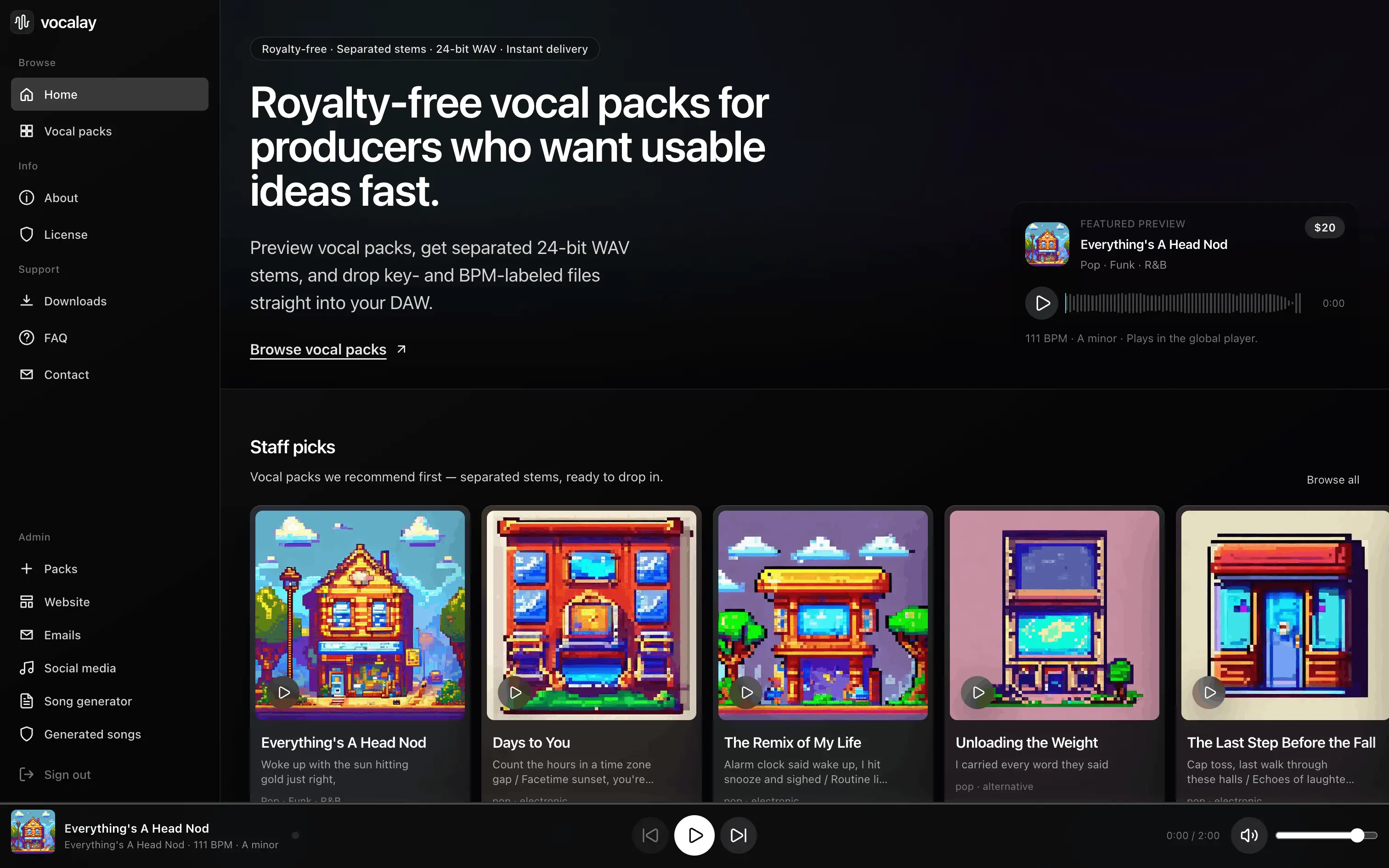
Producers need vocals they can drop straight into a track - usually the slowest and most expensive thing to source. Vocalay generates them: a 3B-parameter music model fine-tuned to sing, wrapped in a pipeline that turns raw output into a finished pack. Each one ships as a full vocal plus separated stems, tempo and key, and lyrics timed to the word.
Fine-tuning meant reverse-engineering the inference pipeline first, then building the training stack from scratch. Frozen embeddings, gradient checkpointing, 8-bit AdamW, and skipped decoder loss cut memory from over 40 GB to 22 GB - the difference between renting a datacenter GPU and training overnight on a single RTX 3090. 30,000 steps, about 20 hours.
A Python API that returns a finished product, not just audio: it writes the lyrics, generates the vocal, splits it into stems with Demucs, detects tempo and key, times every word with Whisper, and paints the cover art. A seeds system keeps batches from converging on one sound, and a reference track can steer the result via MuQ embeddings.
Two products in one app: a back office for generating, auditioning, and releasing packs, and the shop that sells them. Drafts play inline, stems separate on demand, and a release flow paints the cover art and pushes the pack live. Stripe handles checkout, Neon holds the data, and released audio sits in blob storage.
Project
XPENG gave the G9 a large touchscreen and no Android Auto. ADB is closed and there is no sideload path, and wired projection only mirrors the screen - touch never reaches the phone. So nothing goes into the car at all: a spare Linux board holds the session and the factory browser opens it like any other page. Unplug the board and nothing is left behind.
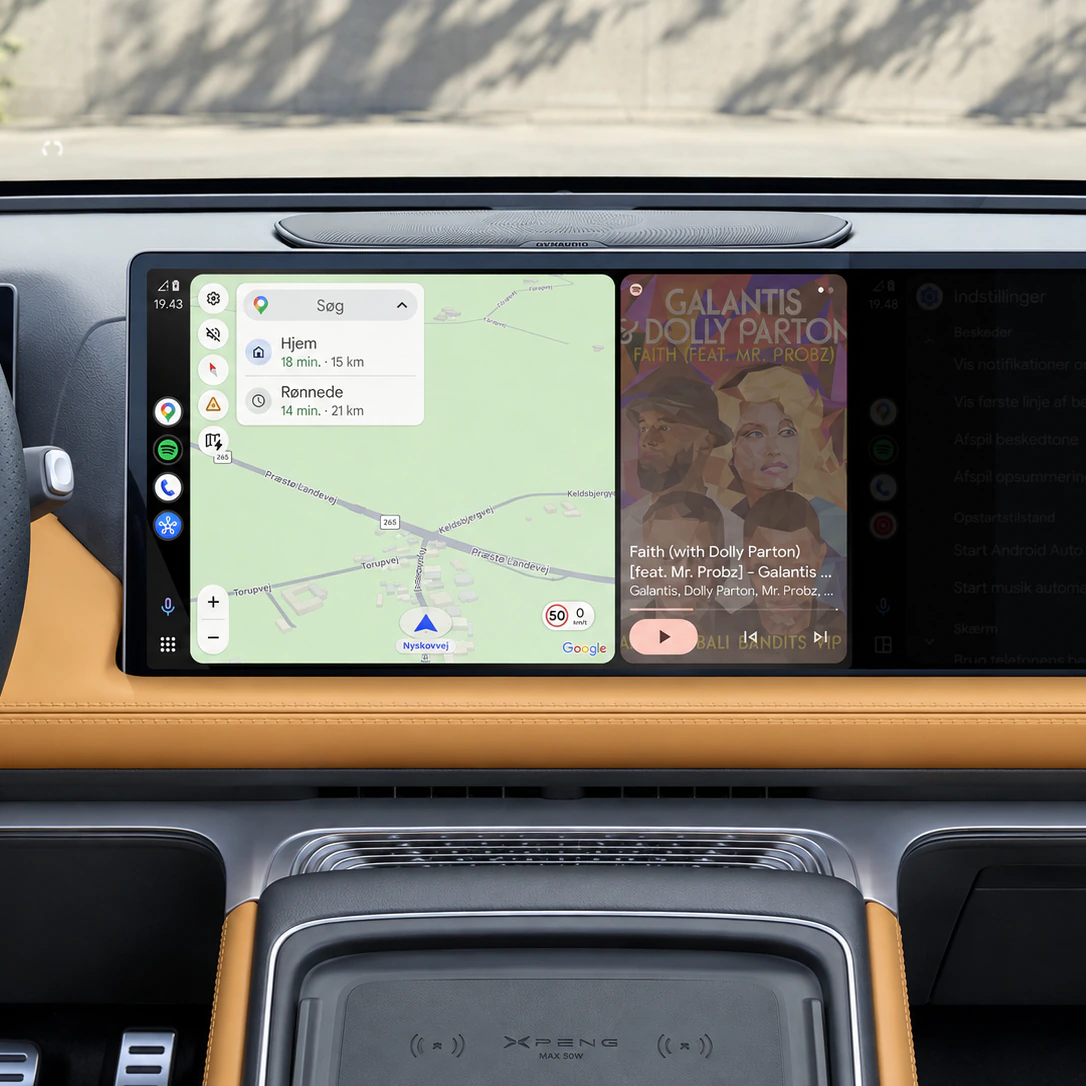
Two processes on one board. openautolink-headless owns the USB session with the phone and exposes it on three local ports; the Go bridge picks those up and serves WebRTC to the car. Splitting them means the browser side can restart without dropping the phone.
The phone already emits H.264, so the bridge forwards it untouched. Decoding and re-encoding on the board would cost latency, quality and heat to arrive at a worse picture. The virtual display is requested at 1920 x 1080, 60 fps and 240 DPI; the phone delivers around 50.
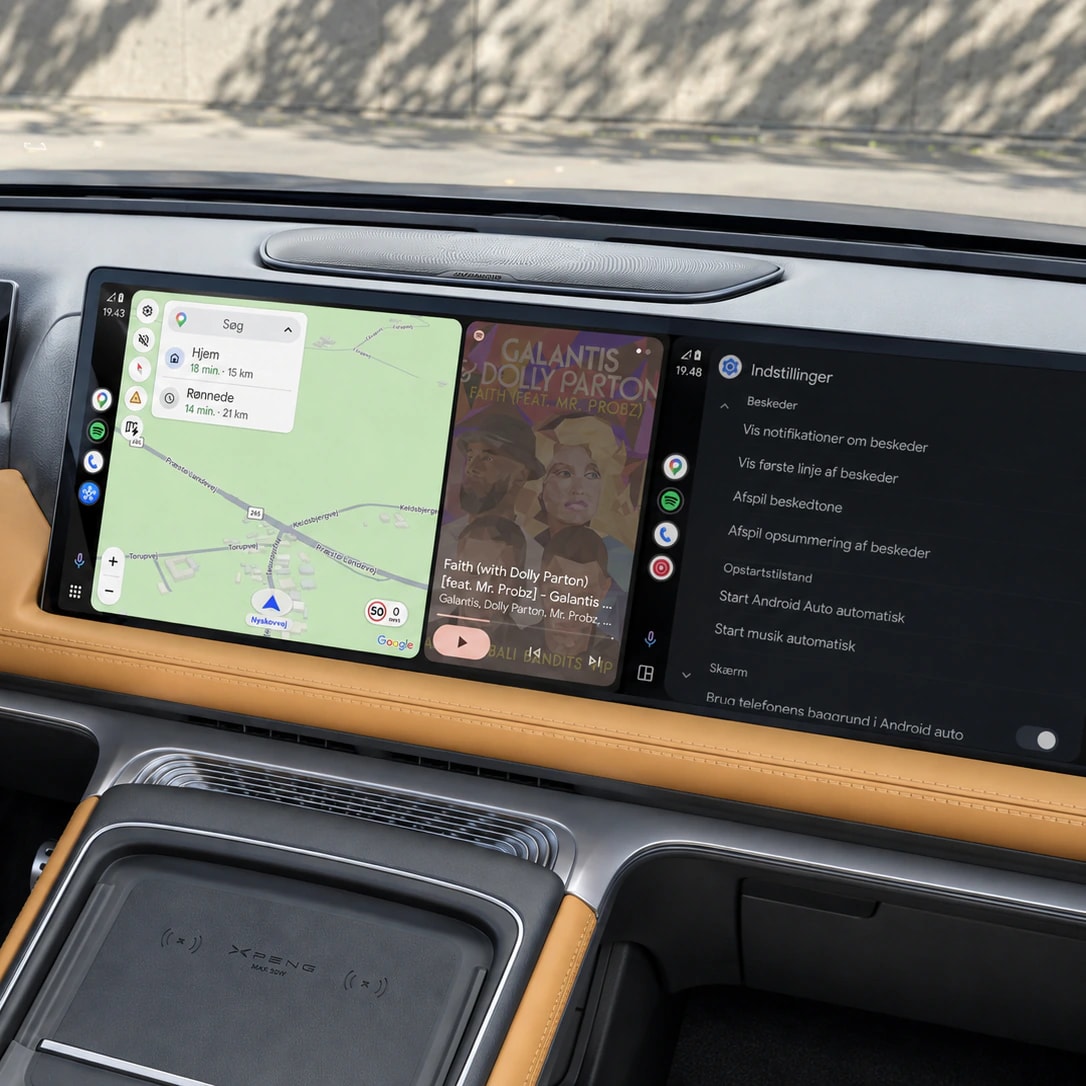
Taps are measured from the picture rather than the screen, because the video never fills the display and the empty edges would otherwise shift every press. The harder problem is timing: Chromium sends movements faster than the USB link accepts them, and a delayed release leaves Android Auto holding a finger down. Moves are paced to 40 Hz, releases never.
Playback leaves the receiver as 16-bit PCM and crosses to the browser on an unordered DataChannel, scheduled through Web Audio against a short buffer. The microphone runs the other way on request, mono 16 kHz in 20 ms frames - which needs a trusted origin, so the board serves HTTPS with a local certificate.
Project
A kid's remote-controlled ride-on car with its insides replaced by an ESP32-S3. It drives itself to a saved GPS point, finds the target by camera, stops for obstacles, fires a bubble gun, answers when spoken to, and lights up - and all of it runs from the round screen in the car as readily as from a phone.
One ESP32-S3 runs motor control, GPS, ultrasonic ranging, audio in and out, a round LCD, and an RGB strip - with the car's original remote PCB rewired as extra inputs. A second ESP32-CAM rides along as a wireless camera, polled over HTTP rather than wired into the main board.
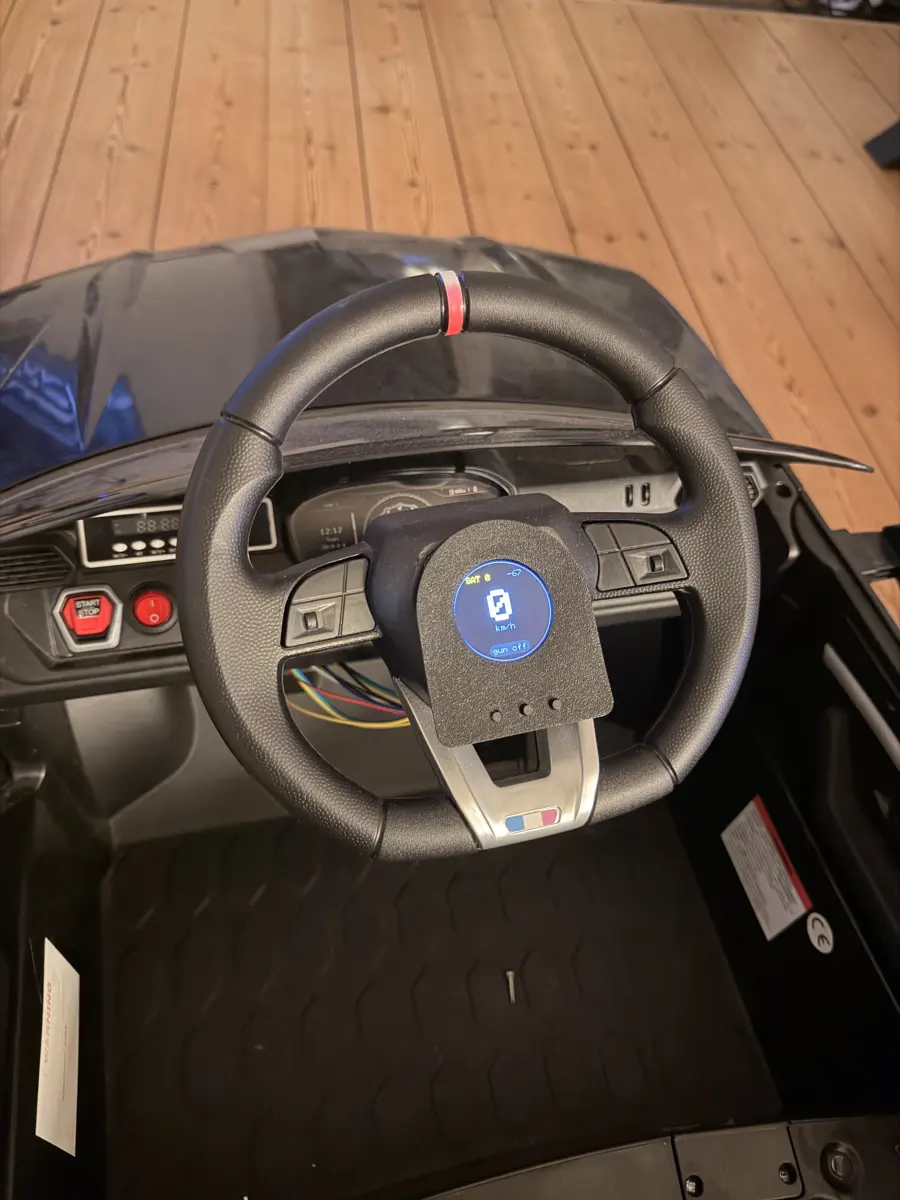
Most of the work was physical. The chassis came apart to reach the motor leads and the original remote's board, the camera and the ultrasonic sensor went onto a printed bracket at the bumper, the round display took the place of the steering wheel hub, and the gun's nozzles came through the rear panel.
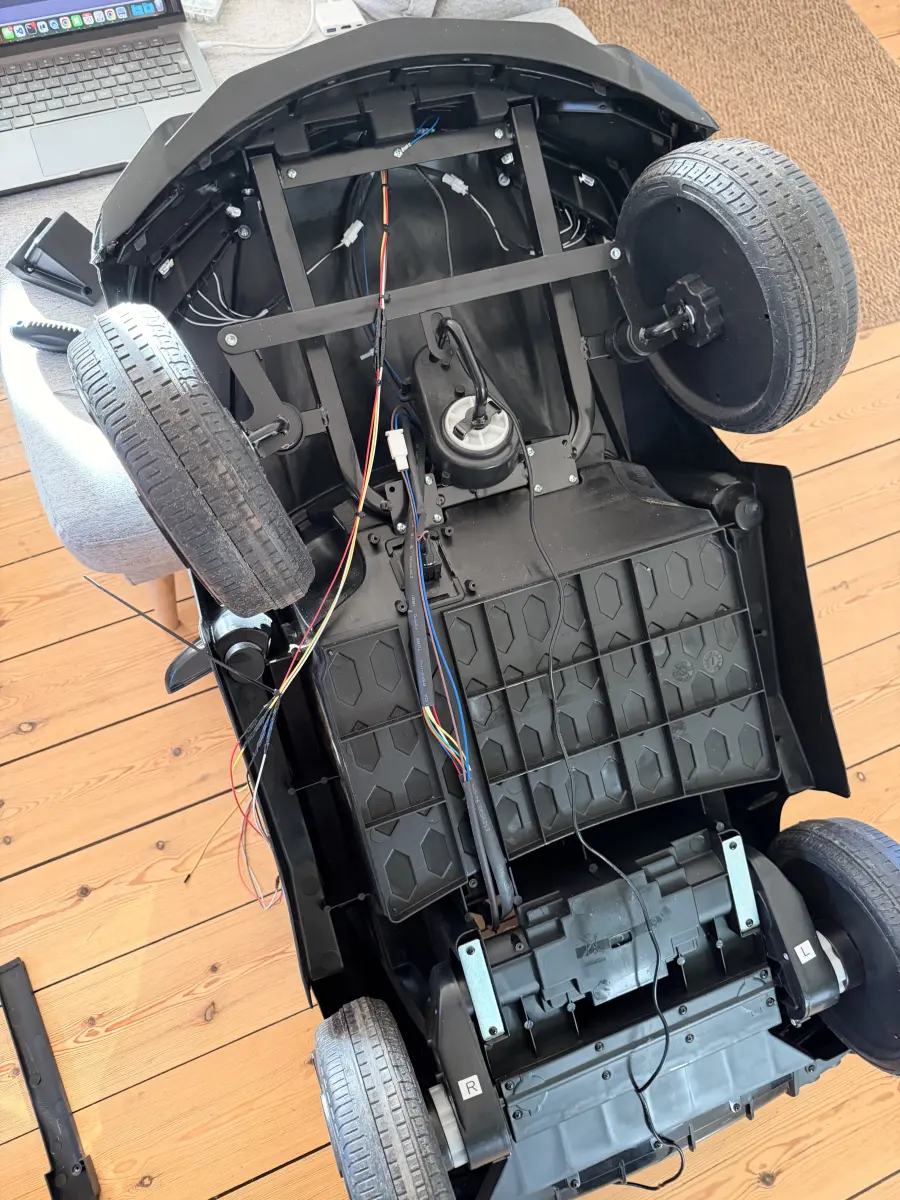
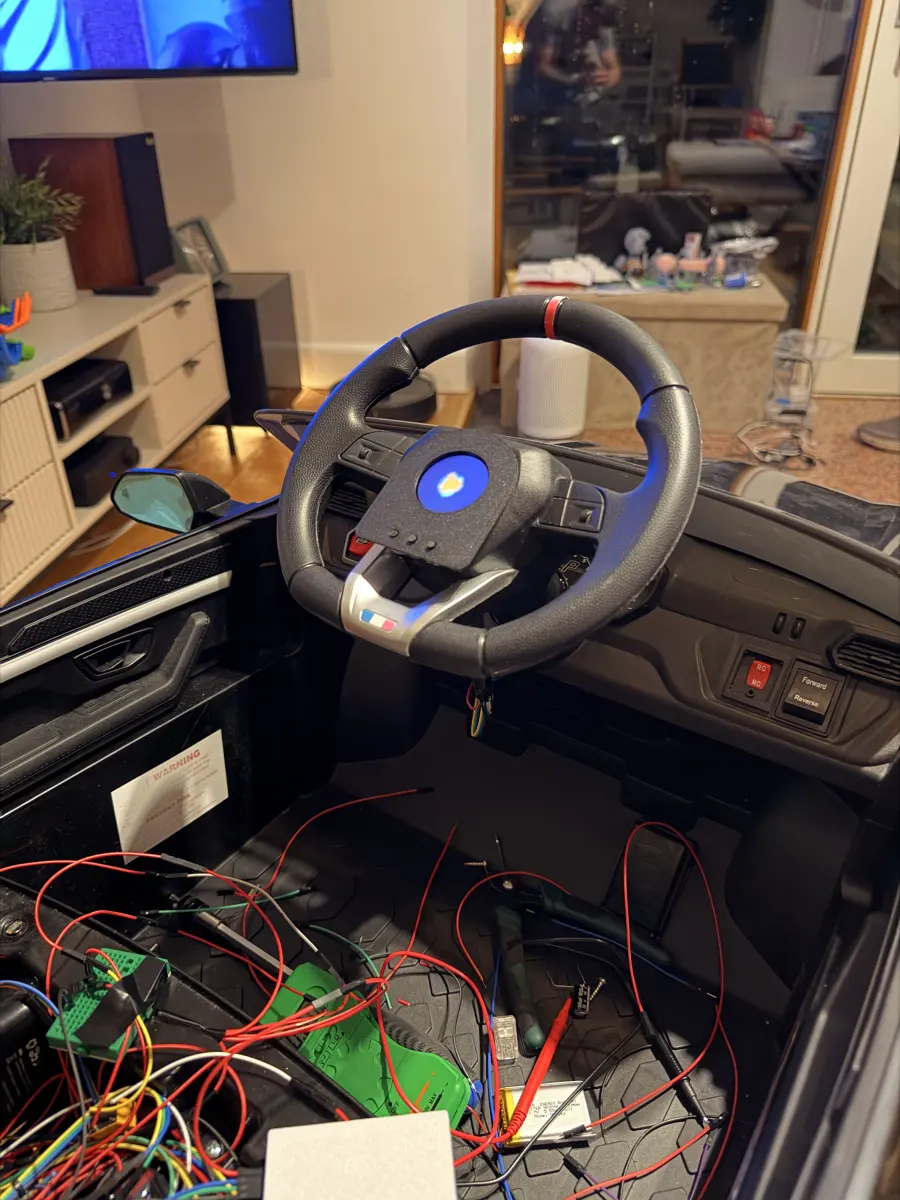
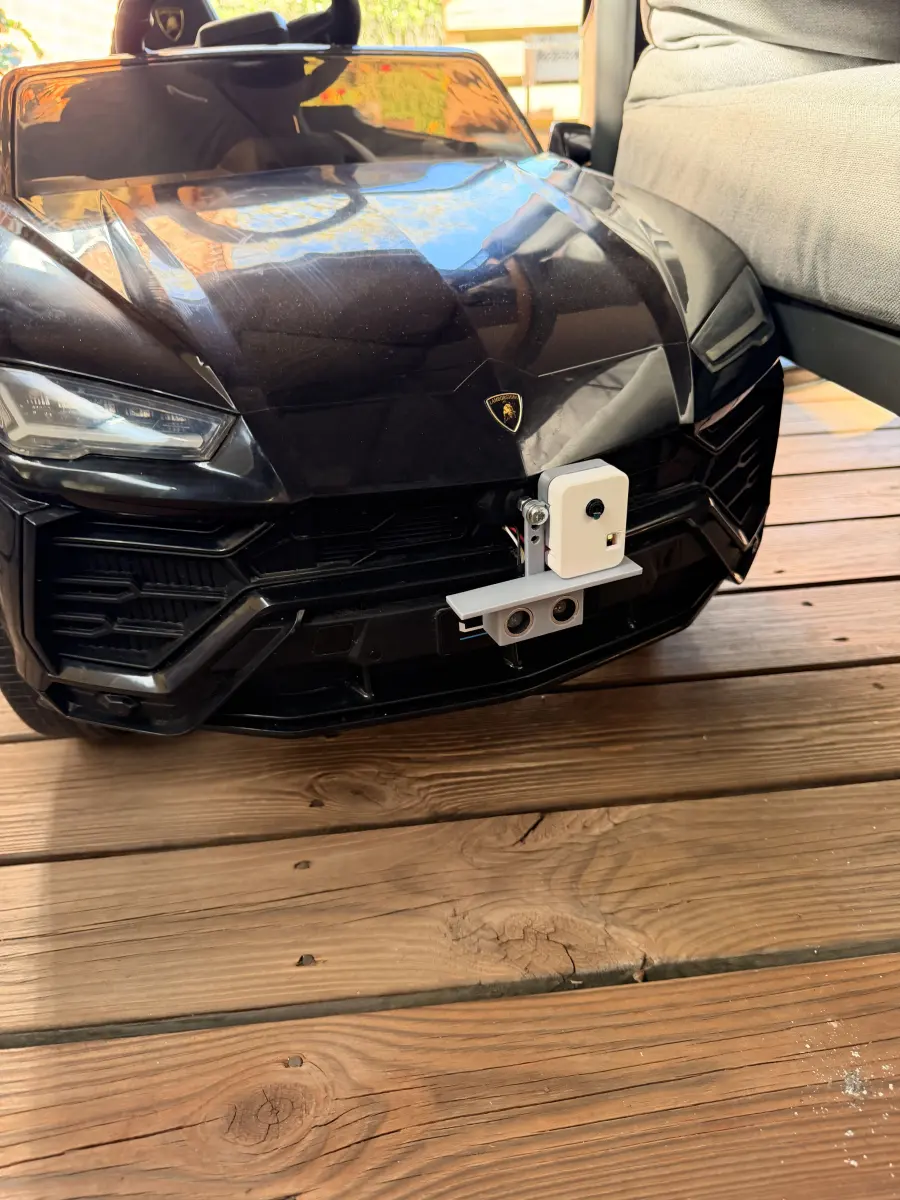
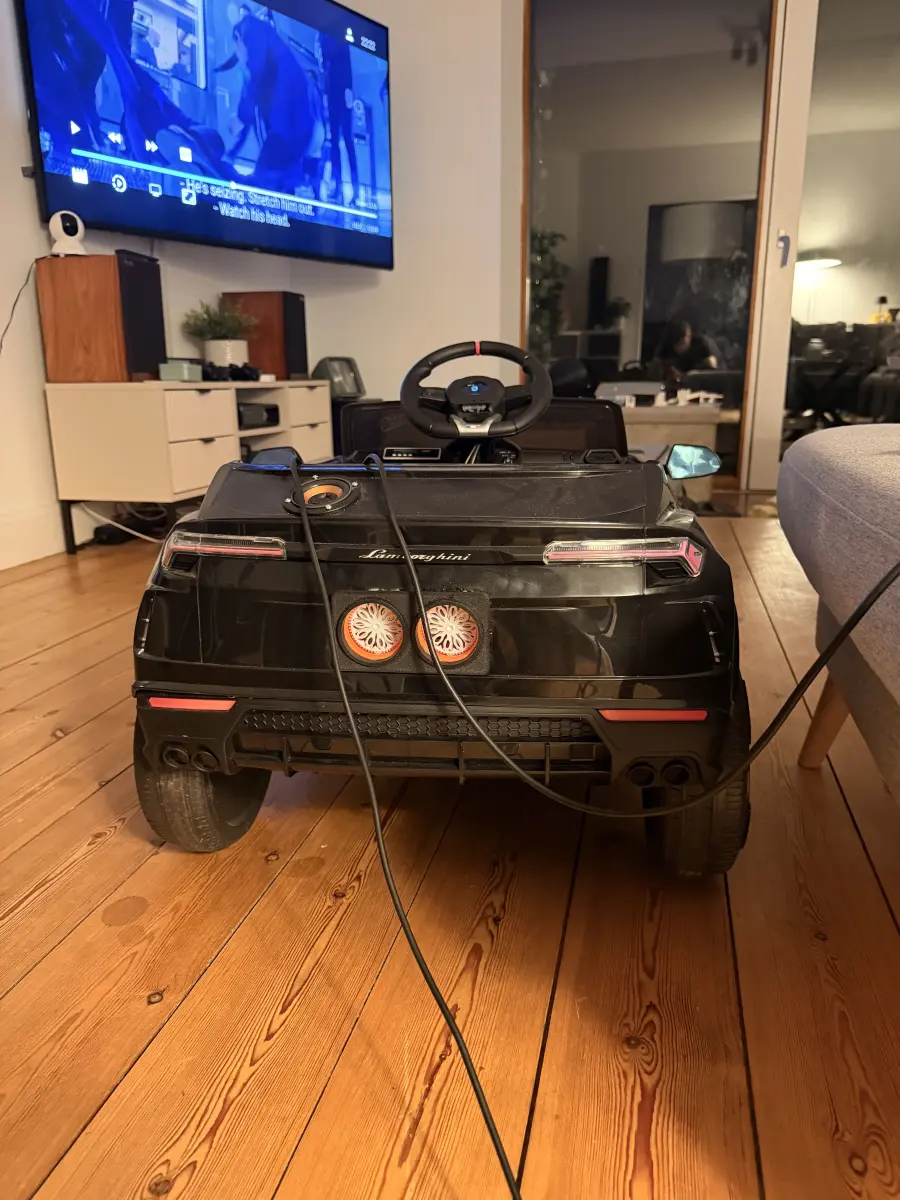
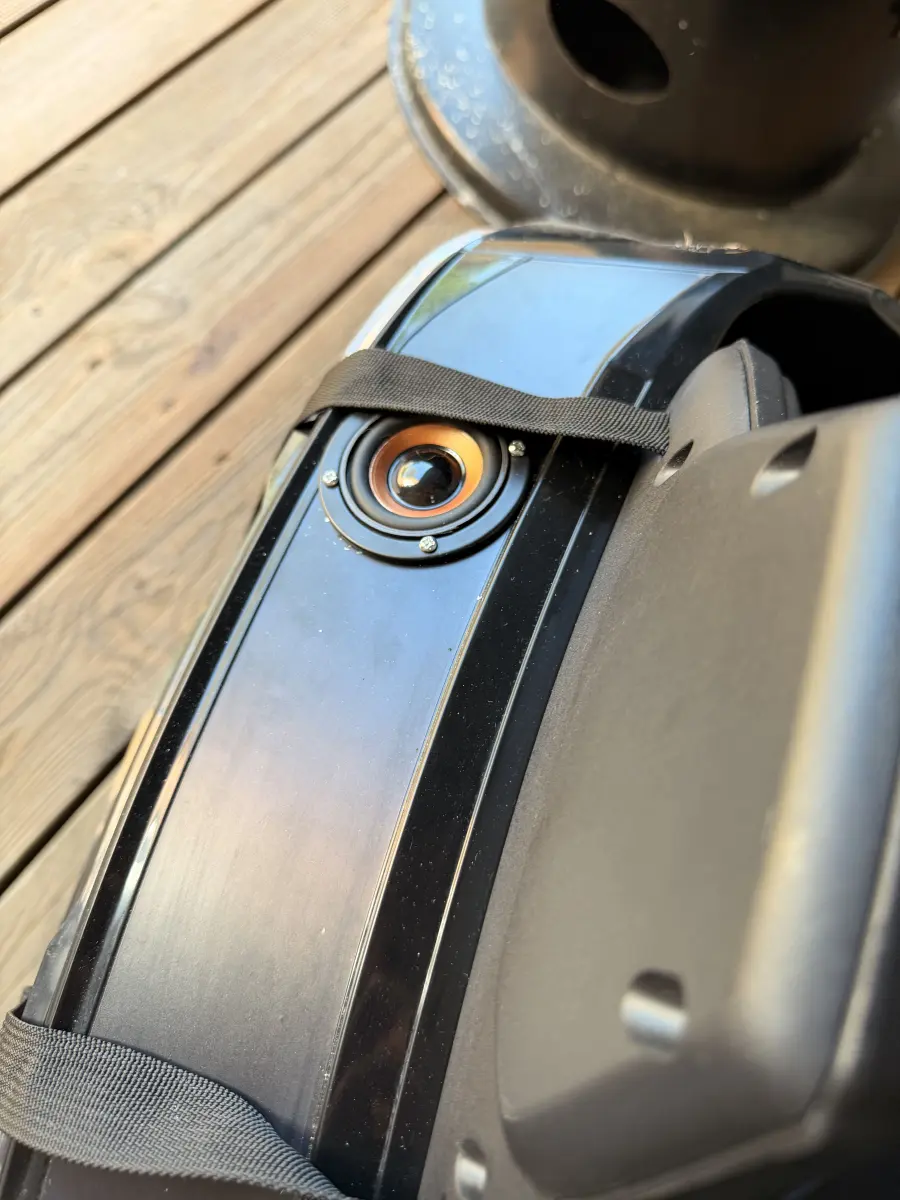
The reason it exists. A relay sits across the original gun's own trigger contacts, so the firmware fires it directly - held on, tapped, or left blinking on a timer. It is the one thing with its own power feed, because sharing a rail with the drive motors browned out everything else.
The mic records to WAV, ElevenLabs transcribes it, Claude answers, and ElevenLabs speaks the reply back through the same amplifier that plays internet radio and sound effects. Routing everything through one output path is what stops a sound effect colliding with music mid-playback.
Two ways in. The round screen in the steering wheel hub, with three buttons under it, drives the gun, the lights, the audio and the modes, so nothing needs a phone in hand. The browser dashboard - one page served straight from the firmware's program memory, with no filesystem to mount or go stale - adds the map, a 3D view in live orientation, the camera feed, and a joystick.
What it can't do. Internal memory is tight enough at boot that large buffers have to live in PSRAM, which is why the Bluetooth gamepad path is compiled out rather than shipped broken. Sound effects enforce a 24 KB floor because smaller MP3s crash the decoder, and everything but the gun shares one 5V rail.
Project
Danish is a small language, and general-purpose speech models treat it that way. This is a LoRA adapter on sesame/csm-1b trained to fix the three things that give it away: pronunciation that lands wrong, pacing that rushes, and longer sentences that drop out part-way through.
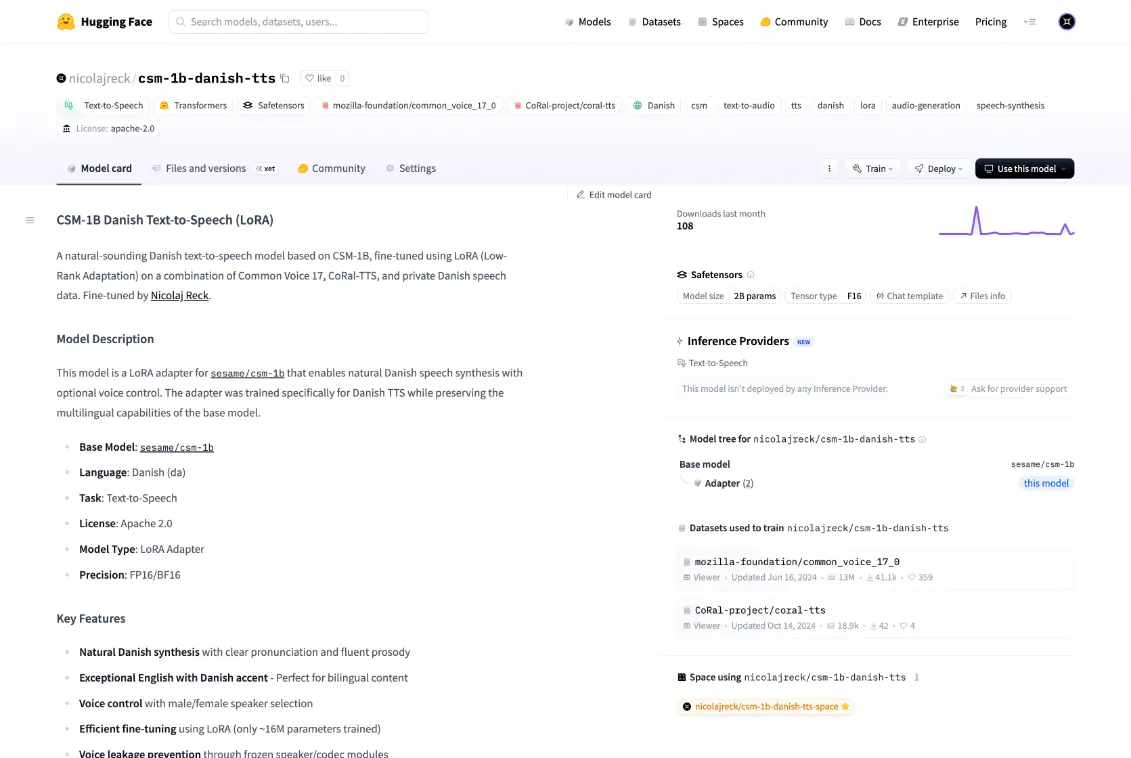
A LoRA adapter rather than a full fine-tune - it trains a small set of extra weights and leaves the base model untouched, which keeps it cheap to train and small to ship. The data is Common Voice, CoRal-TTS, and a private extension, filtered and normalized, with the text cleaned up first so training stays stable.
Two voices, picked inline. Prefix the text with [0] or [1] and the adapter switches speaker - no second model to load and no config to edit, just a token at the front of the prompt.
Ships with a small Gradio demo and a set of curated samples, so the result can be heard in seconds rather than cloned and wired up to inference first.
What it is and isn't: Danish only, two voices, and roughly 8 GB of VRAM to run. Released under Apache-2.0, but you still need access to the base model - the adapter is the contribution here, not a standalone system.
Project
Built for teams drowning in documents: the shared drive nobody can search, the archive only one person understands. It turns those into structured, queryable knowledge - and every answer keeps a link back to the page it came from, so a wrong one can be caught rather than trusted.
Upload files or connect a source, and everything lands in one versioned format: pages, text blocks, tables, and metadata. Scans and photos go through OCR first, but the goal is reliable structure rather than a wall of extracted text.
Templates per document type pull out the fields that matter - tables, entities, key values, references. Each capture carries a confidence score, and anything the model is unsure about is routed to a human instead of quietly written in.
Hybrid search runs keyword and semantic matching together, so exact terms and loose phrasing both land. Answers cite the specific page and region they drew from. Fast answers are easy; answers you can check are the point.
Event-driven pipelines handle what happens after a document lands: classify it, route it, send it for approval, push it downstream. Policy checks and sensitive-data rules attach to the pipeline, so changing them doesn't mean touching the extraction logic.
Project
Built with and for REMA 1000. Meal planning usually breaks at the shop: the list says “chicken stock” and the shelf has six of them at four prices. This runs over their full catalog, so a plan comes out the other end as specific products at real prices - and the catalog stays open to questions while you build it.
Give it the constraints - how many people, how many nights, what nobody in the house will eat - and it proposes meals, then converts the whole week into one shopping list with quantities. The list can stay whole or split per meal.
The hard part. “A splash of cream” has to become a specific carton at a specific price, which means handling synonyms, pack sizes that don’t divide evenly, and sensible swaps when the exact item isn’t stocked. The basket should match what you meant, not just what you typed.
The whole catalog sits in context, so the questions can be real ones: which of these is cheapest per kilo, what works instead of crème fraîche, what do I need for lasagne for six.
Photograph a dish and it comes back as a recipe and a matching basket. The products open straight in REMA 1000’s own shop, so it ends at a real checkout instead of a list you retype.
Built to finish. Review the basket, swap what you don’t want, then hand off to a checkout that actually takes payment - the step most assistants skip, which is why their output ends up pasted into a notes app.
Project
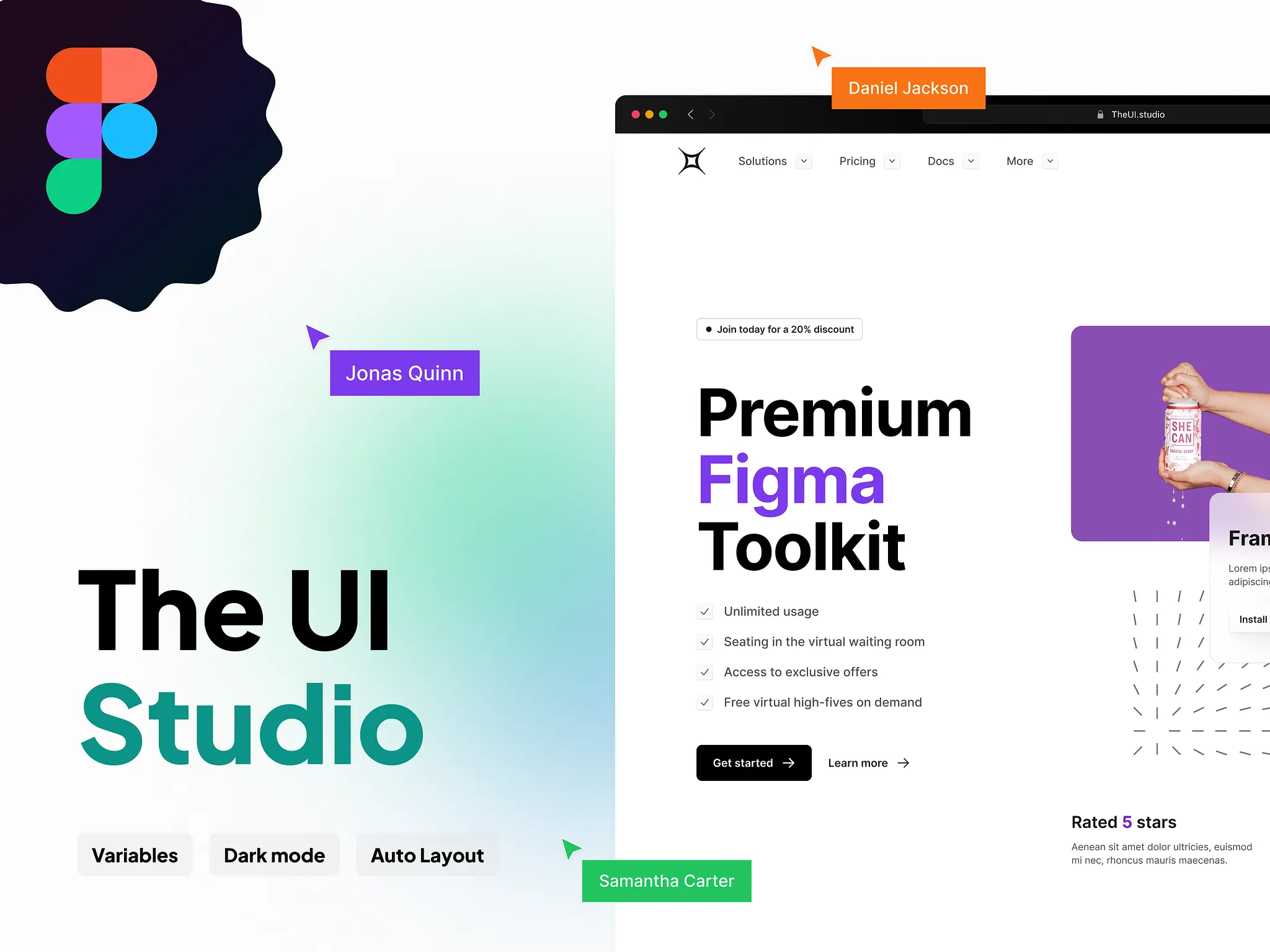
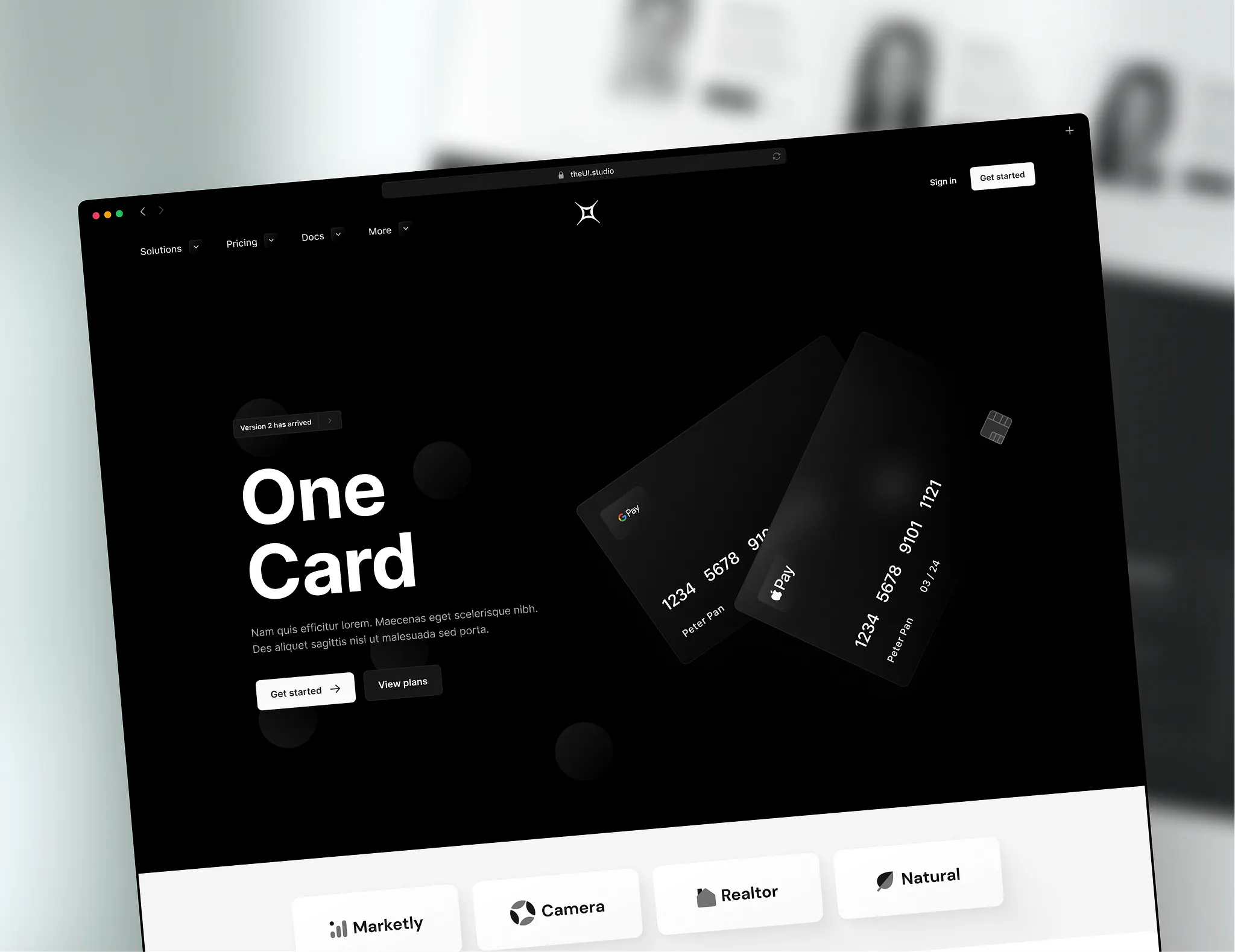
Design systems drift: someone nudges a spacing value, someone else invents a fourth button, and six months on nothing matches. The UI Studio is built to resist that - foundations, components, and full layouts designed to compose one way. It’s also the system the Automated UI Design plugin builds from.
The tokens everything else resolves against: type scale, spacing, radii, shadows, color, and the layout grid. Get these right and components stop needing exceptions - get them wrong and every screen turns into a negotiation.
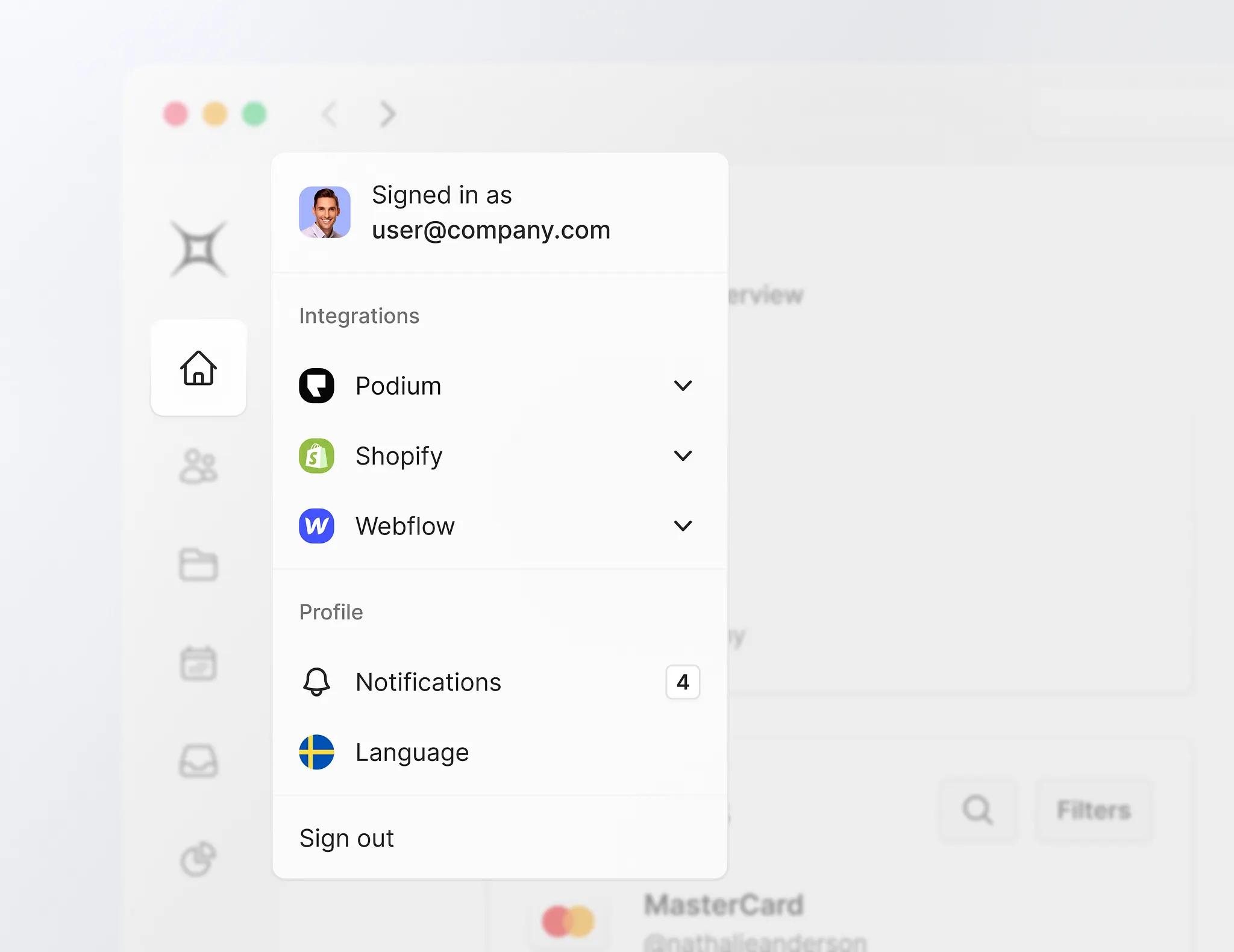
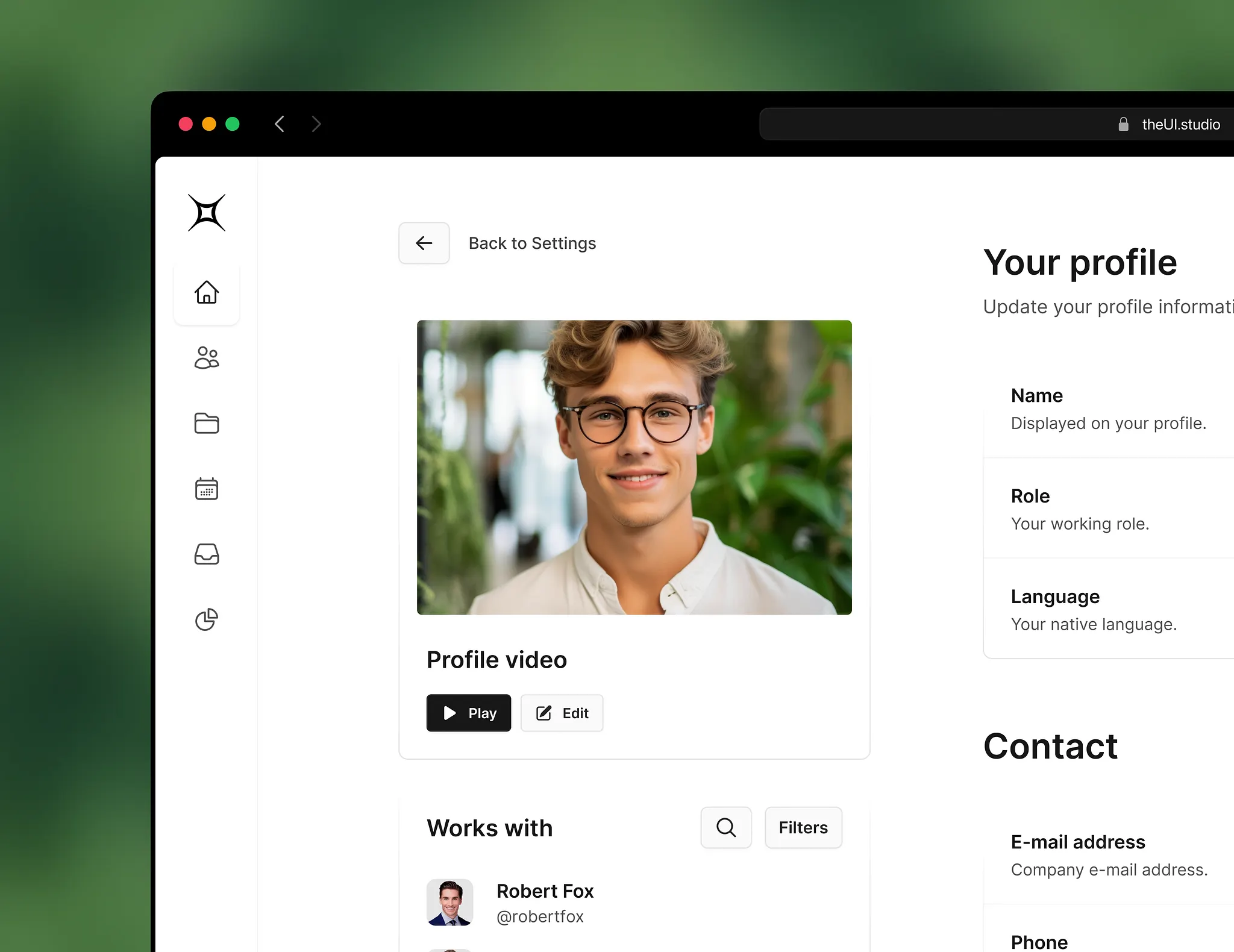
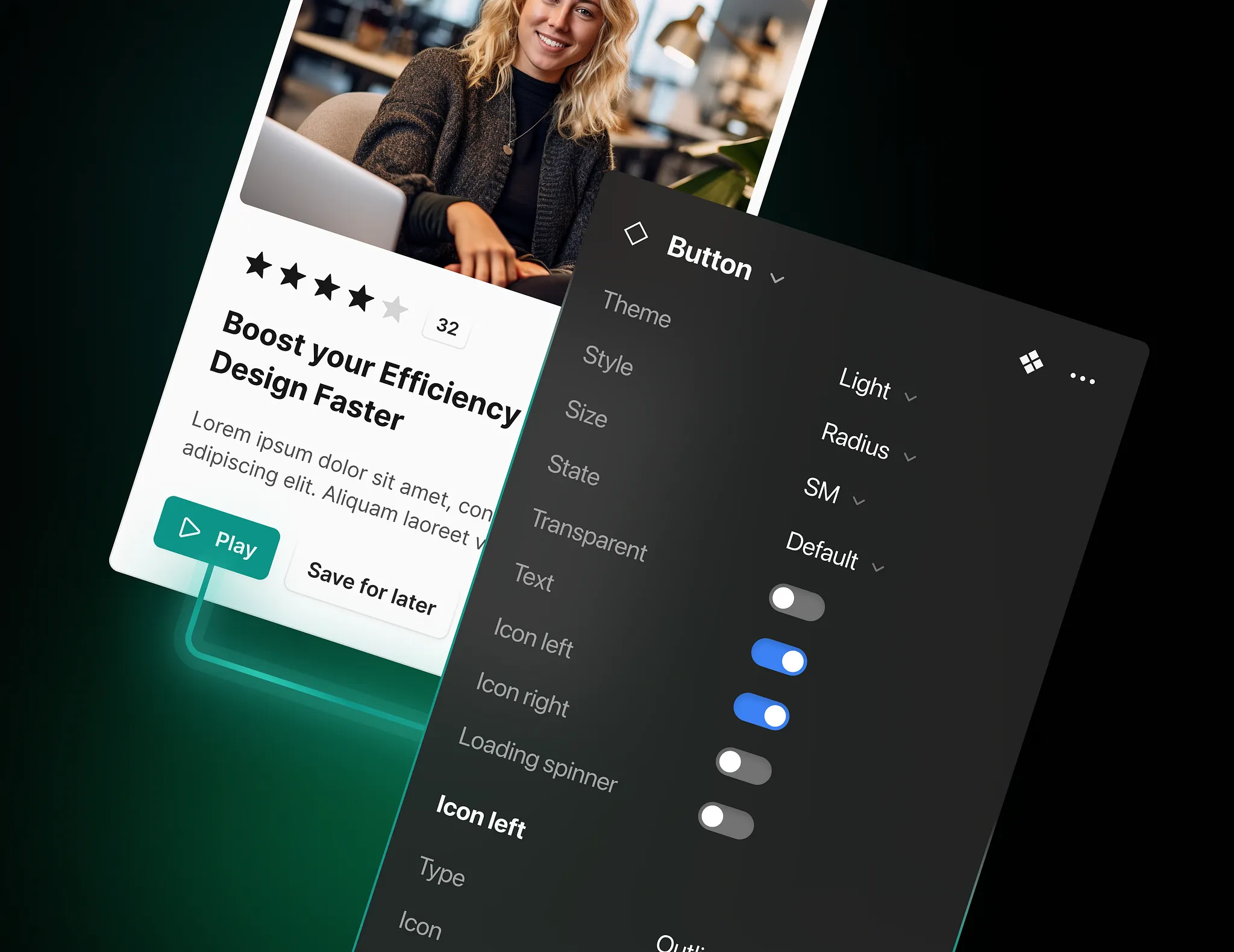
Navigation, forms, tables, cards, modals, empty states, feedback - the parts real products need, including the unglamorous ones most kits skip. Variants are deliberately restricted, because a component that does everything is one nobody trusts.
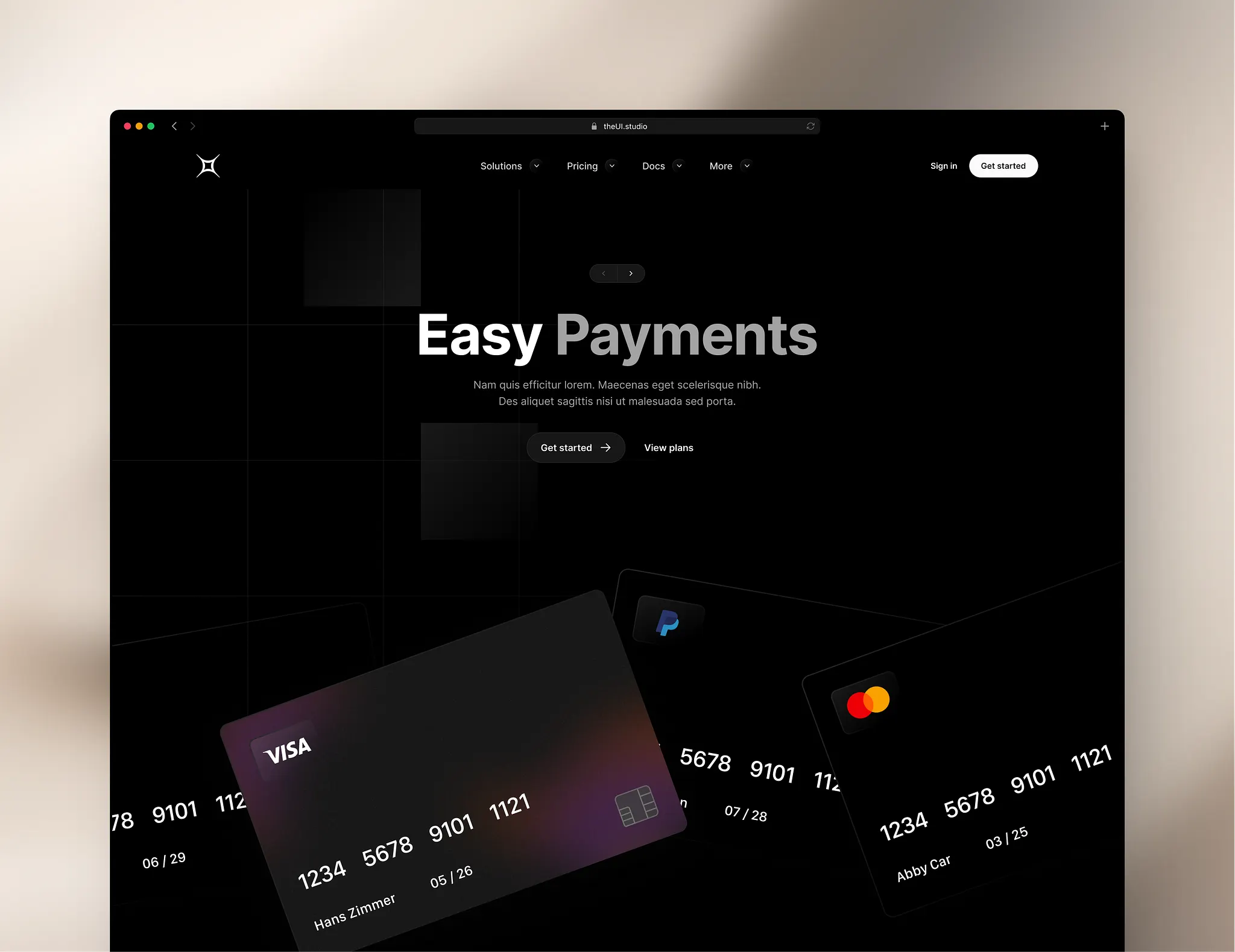
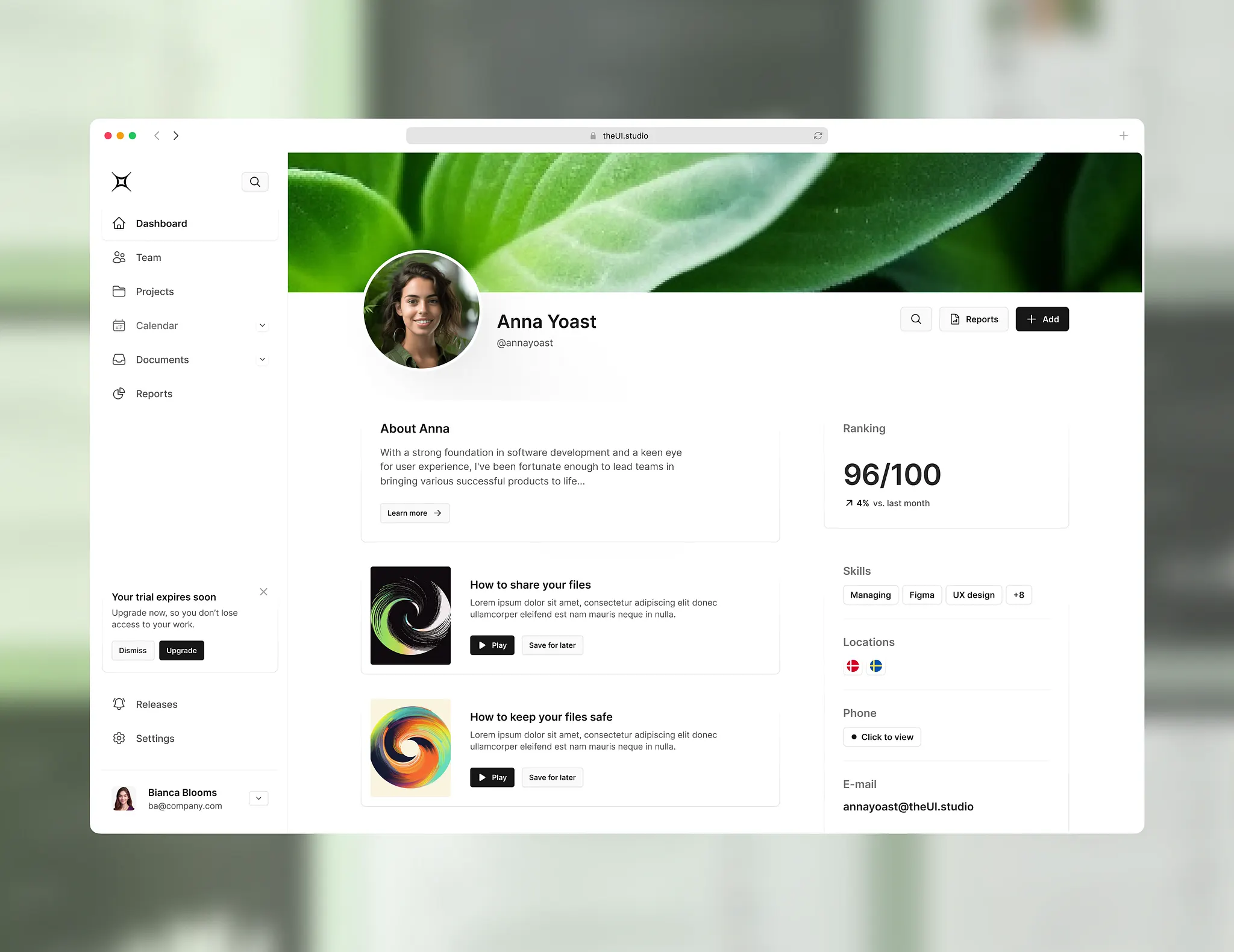
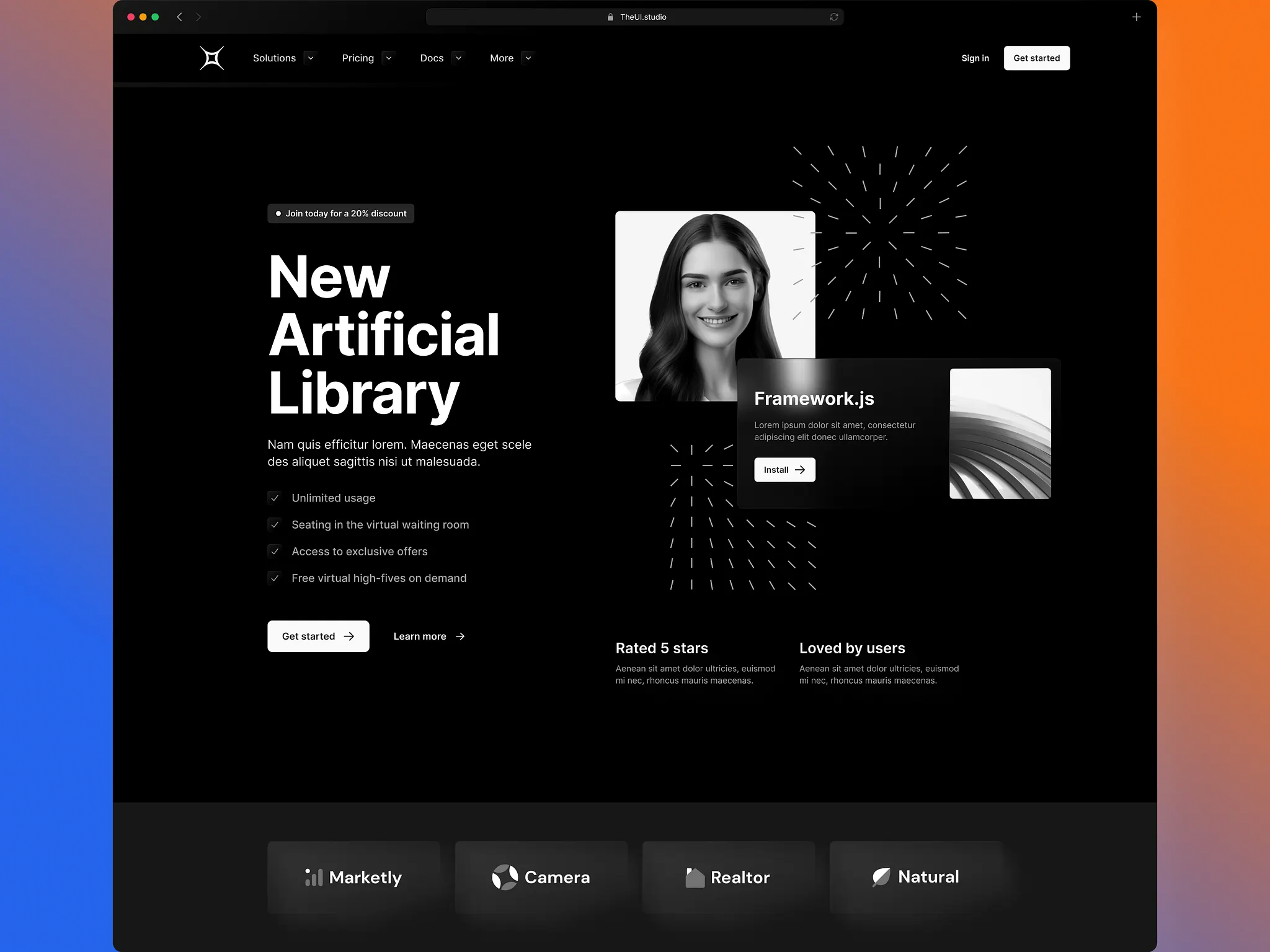
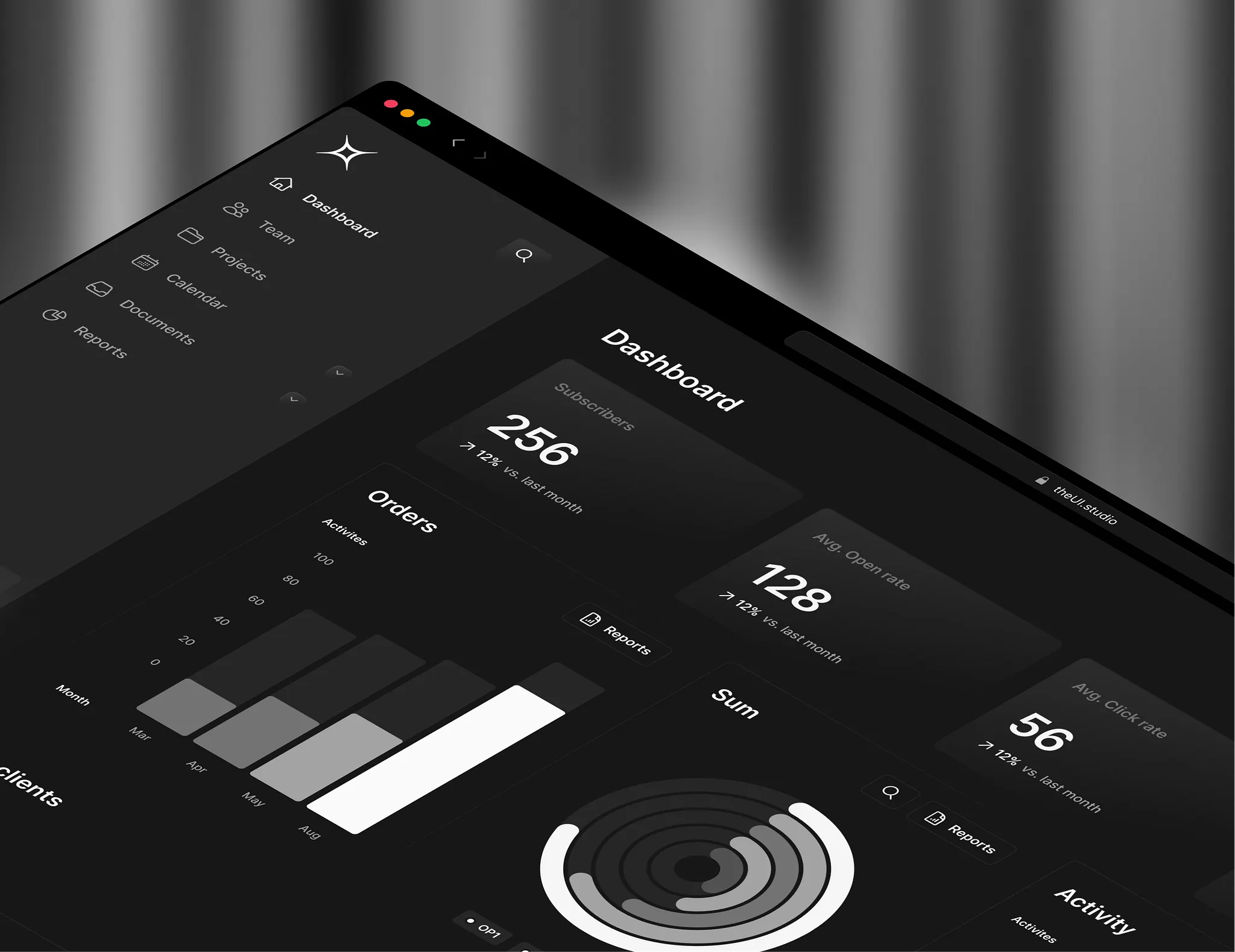
Most kits stop at components and leave you to invent the page. This one ships whole sections for both marketing and product UI, so a page gets assembled from parts that were designed to sit next to each other rather than merely to match.
Structured for handoff: predictable naming, documentation where a decision isn’t self-evident, and an organisation that survives more than one person working in the file. The real test is whether someone else can extend it without asking first.
Project
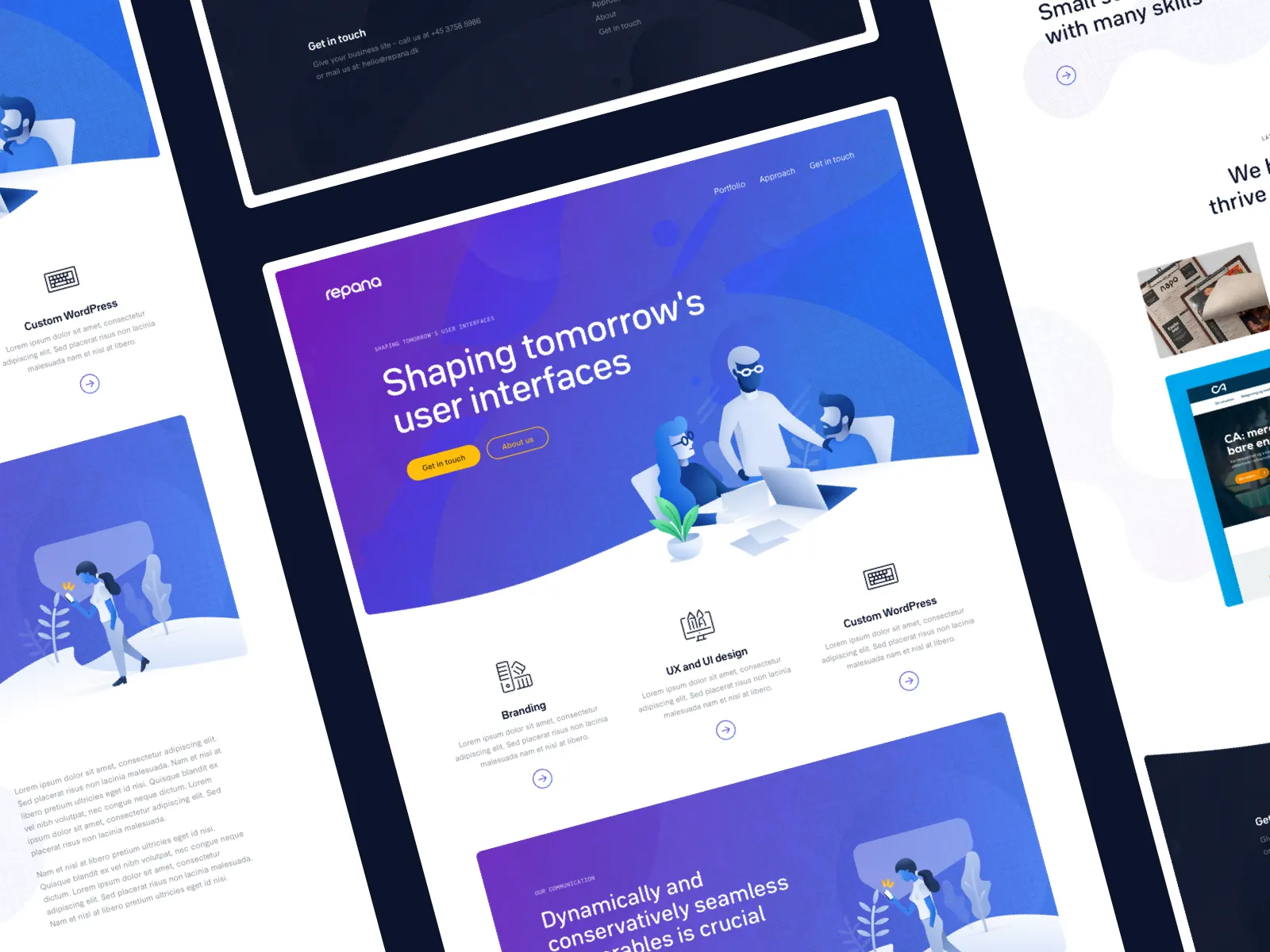
The plugin only works because the system underneath it is strict. The UI Studio is regular enough for a machine to read, so this assembles real pages out of it - right sections, right spacing, right tokens - instead of leaving someone to place them by hand. Speed is the visible win; not drifting is the real one.
Pick the sections and it builds the page: correct order, correct spacing between them, correct nesting. What comes out is a structured Figma layout you can keep working in, not a flat stack of pasted frames.
Spacing, type, and color come from the system’s tokens rather than being set on the generated layers. Change the theme and everything it produced moves with it - the output is on-system by construction, not by discipline.
Placeholder copy and images are filled in so the result is presentable immediately. Lorem ipsum makes a layout impossible to judge; plausible content shows whether the design actually holds up.
Pick a page type, choose the sections, apply a theme, generate. After that it’s ordinary Figma - move things, swap things, override whatever you like - so the plugin sets the starting point without taking the file hostage.
Project
Every product needs avatars and almost nobody budgets for them, so they ship as grey circles with initials. The goal is simple: stop shipping ugly placeholders, and keep one consistent style across the whole interface.
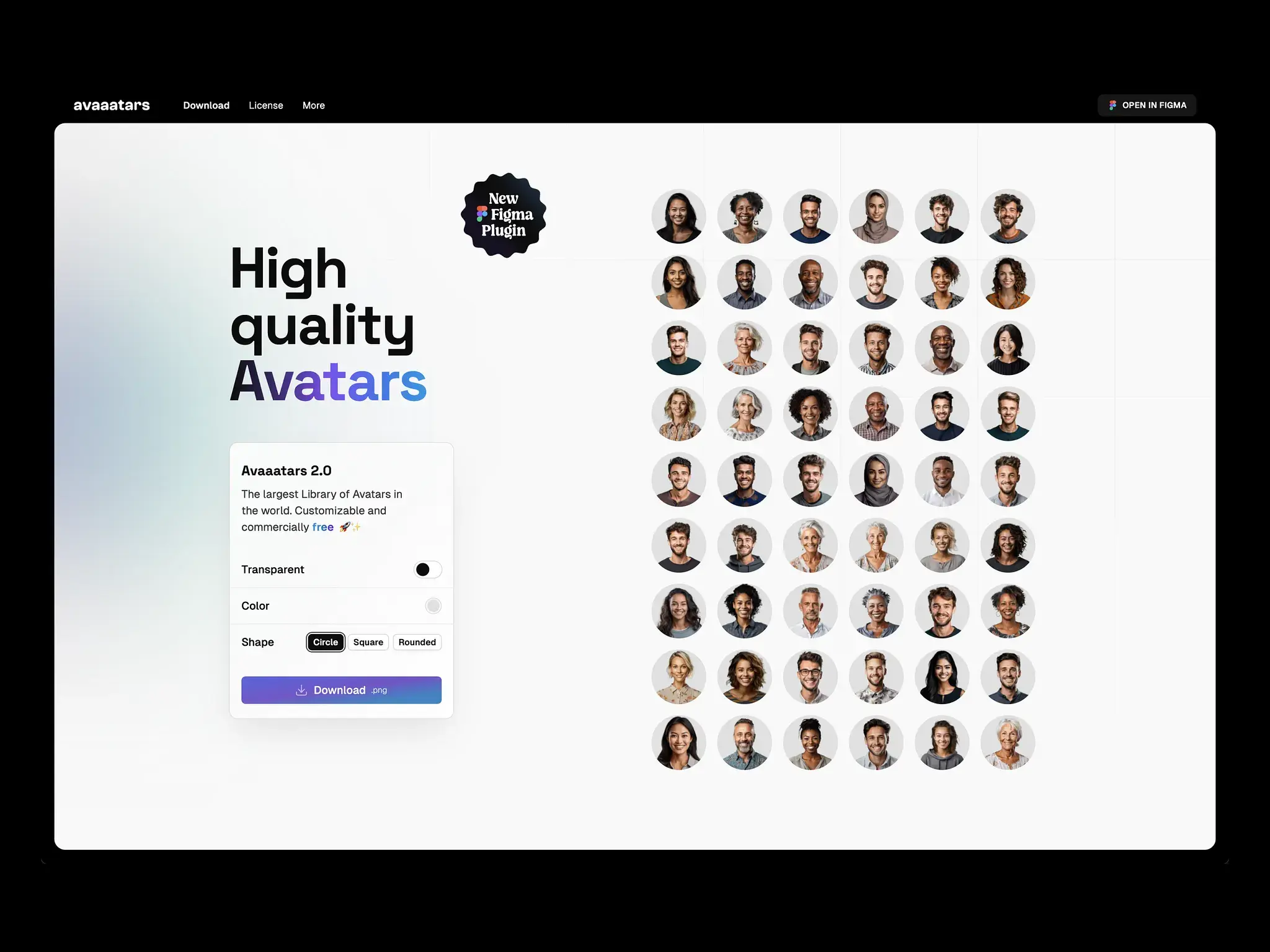
A large set drawn in one consistent baseline style, so a team page doesn’t look like it was assembled from four different stock sites. Enough range to cover a whole product without commissioning custom illustration.
Color and shape are adjustable, which is enough to match a specific interface without turning it into an illustration project. Constrained on purpose - the point is avatars that look chosen, not avatars that look configured.
Transparent backgrounds by default, because an avatar with a baked-in white square is useless the moment it lands on a colored surface. Drop them into dashboards, prototypes, or slides without cutting anything out.
Available inside Figma directly, so an avatar is a few clicks away rather than a download, an unzip, and an import. Downloads are there for every other tool.
Free for commercial use - built so it can go into a real product without a licence review first. That is where most free avatar sets fall down.